
IT Security News: What This Month's Record Microsoft Patch Means for Your Office
Quick summary: Microsoft just released its largest security patch update on record, and two of the flaws it fixes were already being used by attackers before a patch existed. This post breaks down the IT security news for small businesses that actually matters this month, what it means if your systems update automatically or not at all, and one simple habit worth building before the next one hits.
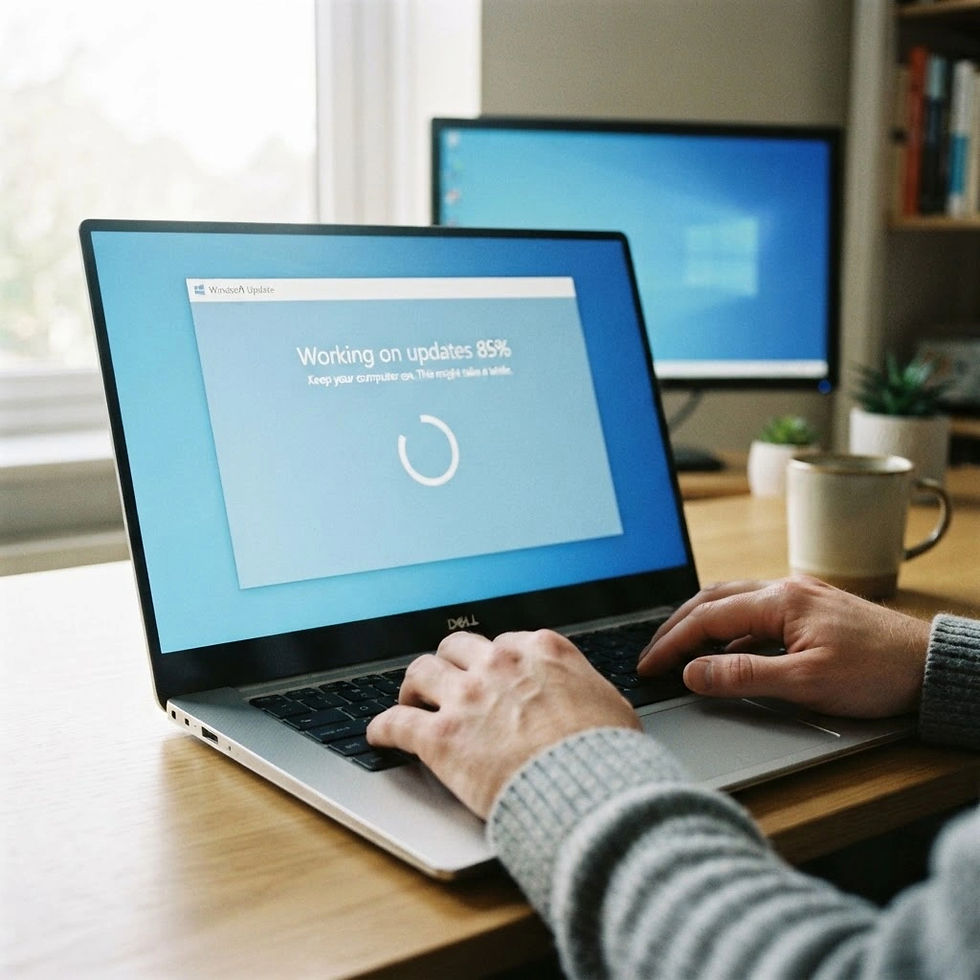
The Notification Everyone Clicks "Remind Me Later" On
A little window pops up in the corner of a screen somewhere in your office. Restart required. Updates ready to install. Someone clicks "remind me later" because they're mid task, and the laptop reminds them again that night, and again the next morning, until eventually it just installs on its own at the worst possible time.
Most weeks, that's a mild annoyance and nothing more. This month it's a bigger deal than usual, because two of the flaws patched in this release were already being actively exploited by attackers before Microsoft had a fix ready.
This Month's IT Security News: A Record Patch Release
Microsoft's latest update addressed 964 vulnerabilities across Windows, Exchange Server, SharePoint, SQL Server, Office, and Remote Desktop Services, the company's largest single patch release on record. Of those, 104 were rated Critical.
This is the kind of IT security news that's easy to scroll past because the numbers are abstract. What matters for a small office isn't the total count. It's that two of these flaws were zero-days, meaning attackers were already using them in the wild before a fix existed.
Why Two of These Patches Matter More Than the Rest
Both zero-days, tracked as CVE-2026-81963 and CVE-2026-85880, let an attacker who already has limited access to a system escalate to full control. Neither one breaks in on its own. They need a foothold first, usually a phishing email, a stolen password, or a compromised account.
That's the part worth paying attention to. These flaws aren't the front door. They're what an attacker uses once they're already partway inside, to disable defenses, reach protected files, and stay there longer. A practice, office, or shop that keeps up with basic email security and password habits closes off most of the path that leads to this kind of flaw mattering at all.
Where This Leaves a Small Office
You don't need to track every CVE that comes out. You do need a few habits in place so a month like this one doesn't catch your systems off guard.
Patch promptly, not eventually. An update sitting unapplied for weeks is exactly the window an exploit like this needs. Systems set to update automatically, with a known schedule for restarts, close that window fastest.
Don't stop at desktops. This release touched server-side systems too, including Exchange and SharePoint. If your practice or office runs its own mail or file server, that update matters as much as the one on everyone's laptop.
Keep an eye on what's actually running old software. A patch only helps the machines that receive it. An old laptop still on an unsupported version of Windows doesn't get this fix at all, which is its own separate problem.
Use October as the nudge, not the excuse to wait. This release landed right alongside Cybersecurity Awareness Month, which runs every October. If patching has been something you meant to review, this is as good a prompt as any to actually do it.
One Habit Worth Building Now
Ask whoever manages your systems a simple question: how do you know when something hasn't been patched? If the honest answer is "we'd probably find out eventually," that's worth fixing before it's the reason something goes wrong.
A short monthly check, what's patched, what isn't, and what's running software old enough that it never will be, catches most of this before it becomes a bigger conversation.
FAQ
Do I need to do anything about this patch myself? If your systems update automatically, probably not beyond restarting when asked. If you manage updates manually or aren't sure how your systems are configured, that's worth confirming with whoever handles your IT.
What makes a zero-day different from a regular vulnerability? A zero-day is a flaw attackers were already using before a fix existed. A regular vulnerability gets found and patched before it's widely exploited. Zero-days are the ones worth moving on faster.
Does this affect older computers that can't run the newest Windows version? Yes, and in a different way. A machine on an unsupported version of Windows never receives this patch at all, which is a separate risk on top of whatever this release fixes.
Is this the kind of IT security news I should be tracking every month? Not in detail. What matters is having someone who tracks it for you and makes sure your systems actually get the fixes that apply, rather than reading every patch bulletin yourself.
What should I actually do after reading this? Confirm that your systems, including any servers, received this month's updates and have restarted if needed. If you don't know how to check that, ask your IT provider directly rather than assuming it already happened.
Where to Go From Here
If you're not sure whether your systems already have this month's updates installed, that's exactly the kind of question your IT provider should be able to answer without you having to ask twice. Reach out to Vital IT and we'll take a look, no pressure, just a straight answer about where things stand.

Comments